

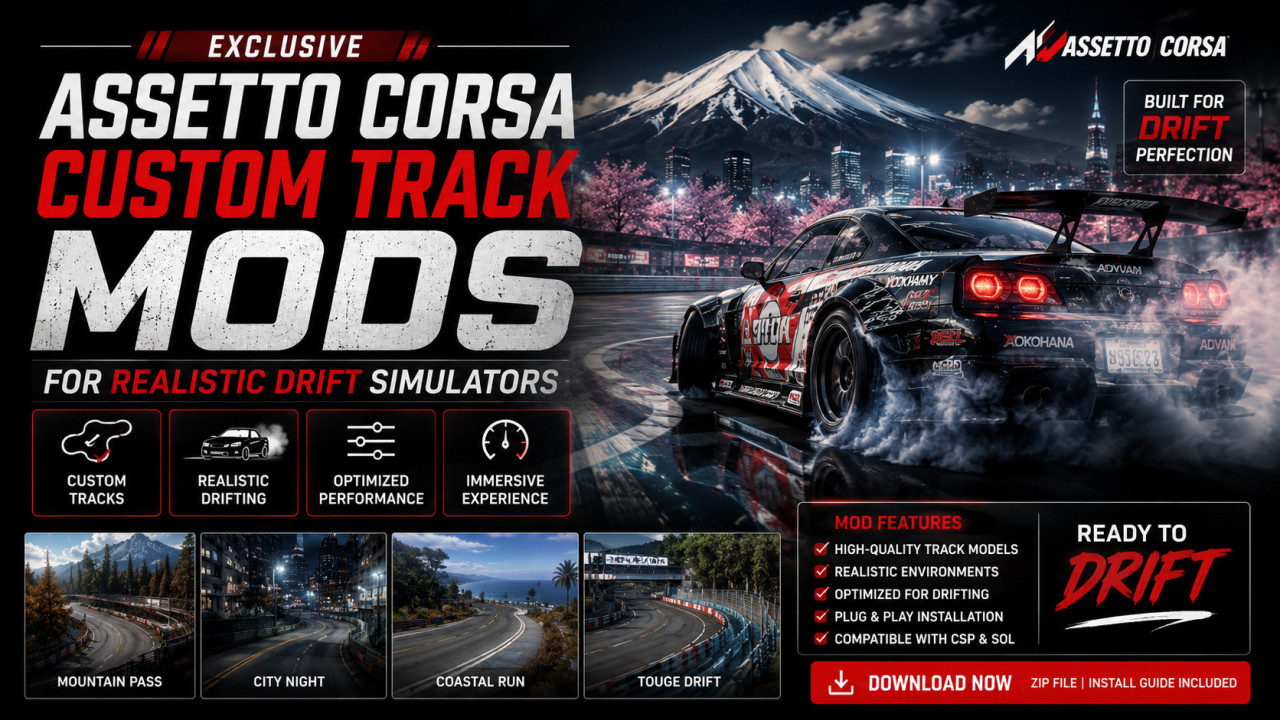
Exclusive Assetto Corsa Custom Track Mods for Realistic Drift Simulators
Drifting in Assetto Corsa is not just a driving experience—it is a precision-based simulation that blends physics, timing, and control into a highly immersive motorsport discipline. For many sim racers, however, the default tracks eventually feel limited. They lack the variety, flow, and realism needed to fully replicate real-world drifting environments.
This is where custom track mods for Assetto Corsa drift simulators transform the entire experience. These community-built environments recreate real-world drift circuits, touge mountain roads, industrial zones, and fictional high-performance layouts designed specifically for tandem drifting.
In this guide, we explore how these exclusive track mods enhance realism, how to install them correctly, and how to optimize your setup for the most immersive drift simulation possible.
What Are Custom Track Mods in Assetto Corsa?
Custom track mods are user-created environments built using Assetto Corsa’s modding tools. Unlike standard tracks included in the base game, these mods introduce new layouts, improved textures, and advanced environmental details tailored for specific driving styles—especially drifting.
They often include:
- Real-world drift circuit replicas
- Mountain touge roads
- Industrial drift arenas
- High-speed highway sections
- Training-focused skid pads
Why Drift Sim Racers Prefer Custom Tracks
Standard tracks are optimized for racing lines, not drifting mechanics. Custom drift tracks are designed with wider corners, smoother transitions, and extended run-off zones that allow controlled oversteer and tandem driving.
Key advantages include:
- More realistic drift angles and flow
- Better tandem racing opportunities
- Improved skill progression environments
- Higher immersion with real-world replicas
- Optimized layouts for training and competition
Comparison: Default Tracks vs Custom Drift Mods
| Type | Design Purpose | Drift Suitability | Realism | Variety |
|---|---|---|---|---|
| Default Tracks | Racing circuits | Limited | Medium | Low |
| Custom Drift Mods | Drift-focused layouts | High | High | Very High |
Step-by-Step Installation Guide
- Download Track Mod Files
Obtain the track mod from trusted Assetto Corsa modding communities. - Extract the Archive
Use tools like WinRAR or 7-Zip to extract the downloaded files. - Locate Assetto Corsa Track Folder
Navigate to: steamapps/common/assettocorsa/content/tracks - Copy Track Folder
Place the extracted track folder into the tracks directory. - Launch Content Manager
Open Assetto Corsa Content Manager for easier management. - Verify Installation
Check if the track appears in your track list and load it in practice mode.
Symptoms of Incorrect Track Installation
- Track not appearing in game
- Missing textures or visual glitches
- Game crashes on load
- Invisible track surfaces
- Incorrect spawn positions
Common Causes of Installation Issues
- Incorrect folder structure
- Missing dependency mods
- Outdated Content Manager
- Corrupted download files
- Version incompatibility
Solutions and Troubleshooting
- Verify folder hierarchy matches original mod structure
- Re-download from trusted source
- Update Content Manager and CSP (Custom Shaders Patch)
- Clear shader cache
- Test track in vanilla mode before adding mods
Common Mistakes Drifters Make
- Installing multiple track versions simultaneously
- Ignoring CSP compatibility requirements
- Using high graphics settings on weak PCs
- Skipping physics calibration
- Not testing layouts before multiplayer sessions
💡 Expert Tip
For realistic drifting progression, start with wide beginner-friendly tracks before moving to tight touge maps. This builds throttle control, angle consistency, and transition timing more effectively than jumping directly into advanced layouts.
Advanced Drift Optimization Setup
Professional sim drifters often combine custom tracks with:
- Custom tire physics mods
- Force feedback tuning
- CSP lighting enhancements
- Weather and time cycle mods
- Realistic camera shake settings
FAQ
Q: Are custom tracks safe to install?
Yes, as long as they are downloaded from trusted Assetto Corsa communities.
Q: Do they affect game performance?
Some high-detail maps may reduce FPS on low-end PCs.
Q: Do I need Content Manager?
It is highly recommended for easier installation and management.
Q: Can I use them in multiplayer?
Yes, if all players have the same track installed.
Final Thoughts
Custom track mods redefine the Assetto Corsa drifting experience by offering realistic environments tailored for skill development, competitive tandem drifting, and immersive simulation.
Whether you are a beginner learning throttle control or an advanced drifter refining angle precision, custom tracks provide the variety and realism needed to elevate your performance.



Comments (0)
No comments found